Full Screen Example#
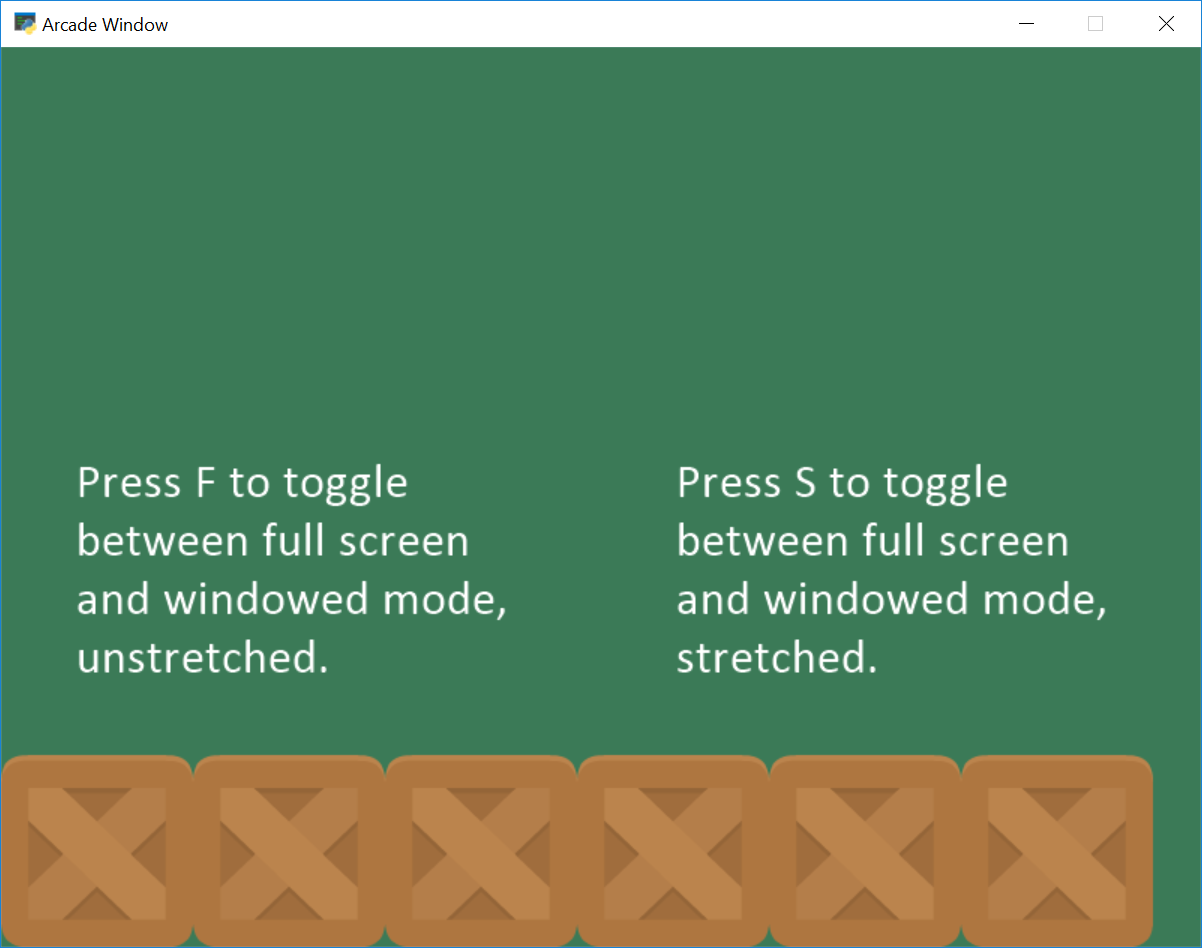
full_screen_example.py#
  1"""
  2Use sprites to scroll around a large screen.
  3
  4Simple program to show basic sprite usage.
  5
  6Artwork from https://kenney.nl
  7
  8If Python and Arcade are installed, this example can be run from the command line with:
  9python -m arcade.examples.full_screen_example
 10"""
 11
 12import arcade
 13
 14SPRITE_SCALING = 0.5
 15
 16SCREEN_WIDTH = 800
 17SCREEN_HEIGHT = 600
 18SCREEN_TITLE = "Full Screen Example"
 19
 20# How many pixels to keep as a minimum margin between the character
 21# and the edge of the screen.
 22VIEWPORT_MARGIN = 40
 23
 24MOVEMENT_SPEED = 5
 25
 26
 27class MyGame(arcade.Window):
 28    """ Main application class. """
 29
 30    def __init__(self):
 31        """
 32        Initializer
 33        """
 34        # Open a window in full screen mode. Remove fullscreen=True if
 35        # you don't want to start this way.
 36        super().__init__(SCREEN_WIDTH, SCREEN_HEIGHT, SCREEN_TITLE, fullscreen=True)
 37
 38        # This will get the size of the window, and set the viewport to match.
 39        # So if the window is 1000x1000, then so will our viewport. If
 40        # you want something different, then use those coordinates instead.
 41        width, height = self.get_size()
 42        self.set_viewport(0, width, 0, height)
 43        arcade.set_background_color(arcade.color.AMAZON)
 44        self.example_image = arcade.load_texture(":resources:images/tiles/boxCrate_double.png")
 45
 46    def on_draw(self):
 47        """
 48        Render the screen.
 49        """
 50
 51        self.clear()
 52
 53        # Get viewport dimensions
 54        left, screen_width, bottom, screen_height = self.get_viewport()
 55
 56        text_size = 18
 57        # Draw text on the screen so the user has an idea of what is happening
 58        arcade.draw_text("Press F to toggle between full screen and windowed mode, unstretched.",
 59                         screen_width // 2, screen_height // 2 - 20,
 60                         arcade.color.WHITE, text_size, anchor_x="center")
 61        arcade.draw_text("Press S to toggle between full screen and windowed mode, stretched.",
 62                         screen_width // 2, screen_height // 2 + 20,
 63                         arcade.color.WHITE, text_size, anchor_x="center")
 64
 65        # Draw some boxes on the bottom so we can see how they change
 66        for x in range(64, 800, 128):
 67            y = 64
 68            width = 128
 69            height = 128
 70            arcade.draw_texture_rectangle(x, y, width, height, self.example_image)
 71
 72    def on_key_press(self, key, modifiers):
 73        """Called whenever a key is pressed. """
 74        if key == arcade.key.F:
 75            # User hits f. Flip between full and not full screen.
 76            self.set_fullscreen(not self.fullscreen)
 77
 78            # Get the window coordinates. Match viewport to window coordinates
 79            # so there is a one-to-one mapping.
 80            width, height = self.get_size()
 81            self.set_viewport(0, width, 0, height)
 82
 83        if key == arcade.key.S:
 84            # User hits s. Flip between full and not full screen.
 85            self.set_fullscreen(not self.fullscreen)
 86
 87            # Instead of a one-to-one mapping, stretch/squash window to match the
 88            # constants. This does NOT respect aspect ratio. You'd need to
 89            # do a bit of math for that.
 90            self.set_viewport(0, SCREEN_WIDTH, 0, SCREEN_HEIGHT)
 91
 92
 93def main():
 94    """ Main function """
 95    MyGame()
 96    arcade.run()
 97
 98
 99if __name__ == "__main__":
100    main()